PearOffice
Spreadsheets, documents and slides you share with a link and edit together, straight between your devices. No account, no subscription and no company holding a copy of your files.

What it does
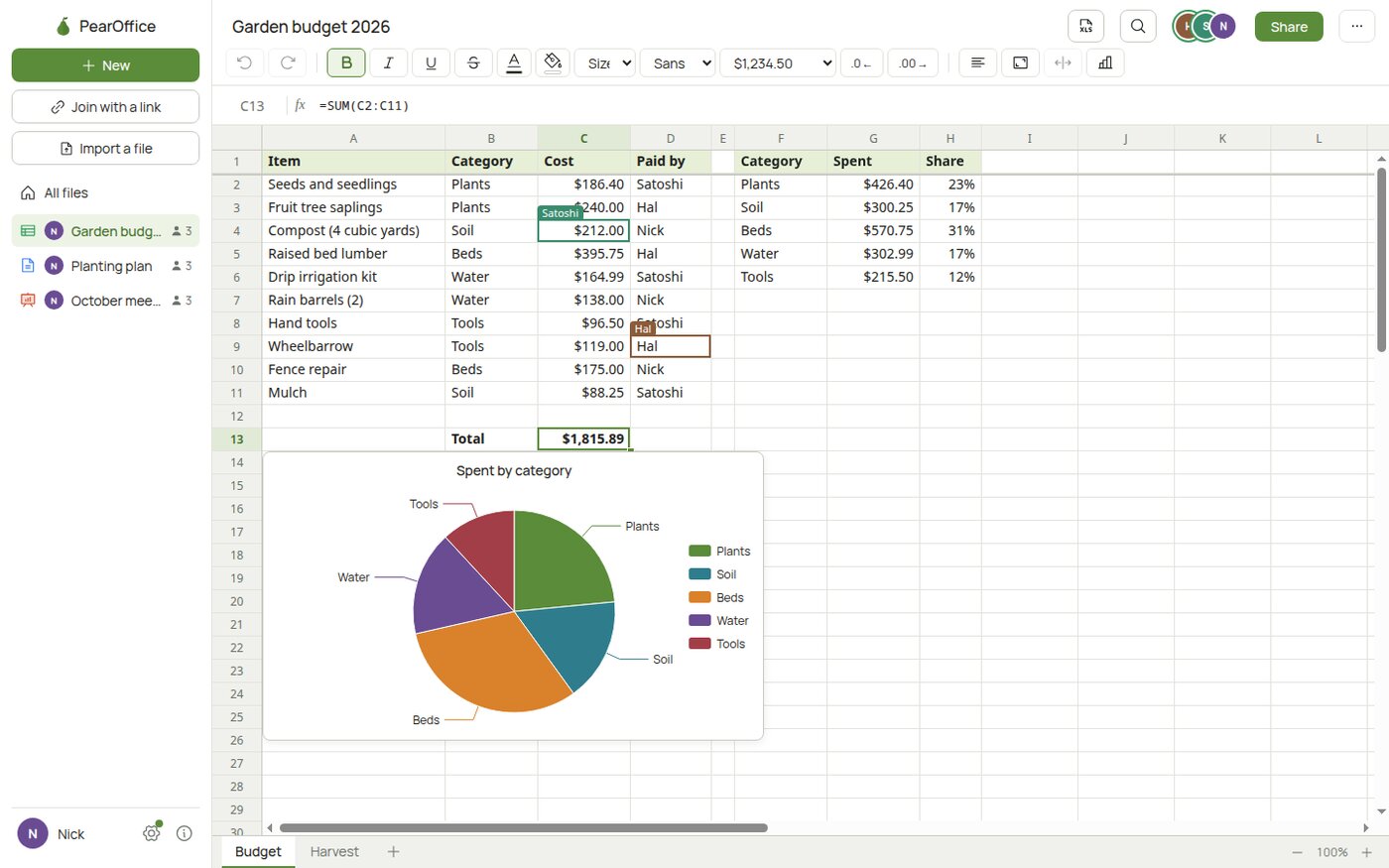
Spreadsheets with around 400 formulas, charts, filters, comments and colour rules. Documents with headings, lists, tables and pictures. Slides with layouts, shapes, charts and themes, and a presenter view for a second screen.
Everyone in a file edits it live and sees who else is there. Excel, Word and PowerPoint files open and save, and so do CSV, Markdown and PDF.
How sharing works
Send someone an invite link. Each link works once and lasts 24 hours, and you choose whether they can edit or only view. Their device then syncs with yours directly, encrypted, with no server in between. You can remove someone at any time, and they see nothing new after that.
Link your phone and computers once and they keep the same files. A 12-word recovery phrase brings your identity back on a new device.
A seeder, if you want one
Files sync when the people in them are online. A seeder is a device you leave running that keeps an encrypted copy, so everyone catches up even when nobody else is online, and your recovery phrase brings your files back too. It cannot read your files.
Run it from the desktop app, on a Linux server with the download from GitHub or as an app on Umbrel or StartOS from the PeerLoom app store.